Admin Center guide
The Admin Center is where you configure servers, run the parser, and check whether UltraStats has imported data from your game logs.
These screenshots use the local Docker demo at http://localhost:8091/. The demo seed creates two sample CoD4 servers and a local-only admin user:
- Username:
admin - Password:
pass
Do not use this password on a shared or production installation.
For normal web hosting, deploy only the contents of src/. In the Admin Center, paths such as gamelogs/cod4_normal.log are relative to that deployed app root, the directory that contains index.php, admin/, include/, and gamelogs/.
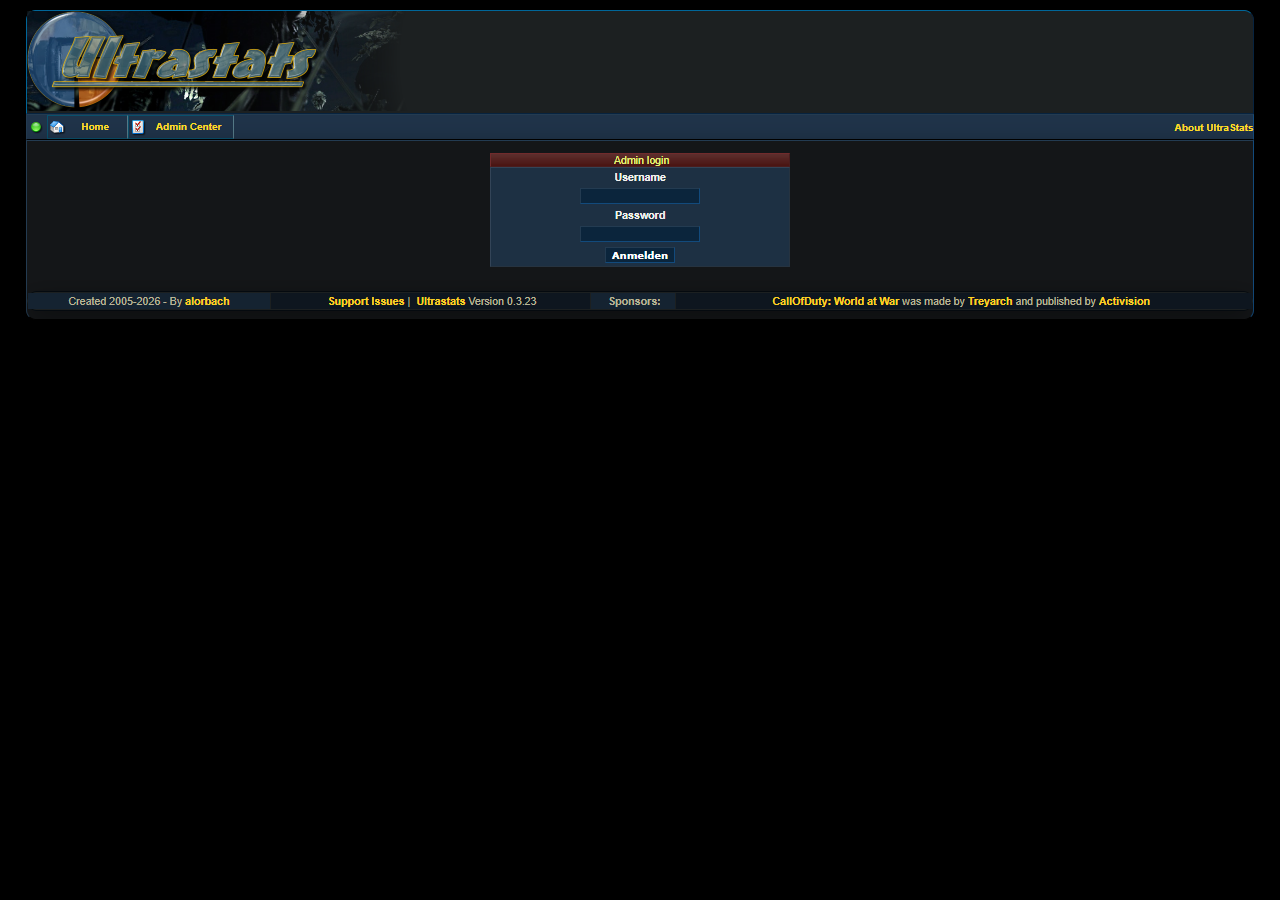
Core workflow
- Open Admin Center and sign in.
- Go to Server Admin.
- Add a new server, or edit one of the Docker demo servers.
- Run the parser for that server.
- Run Run Total/Final Calculations.
- Check Server DB Statistics and the public stats pages.
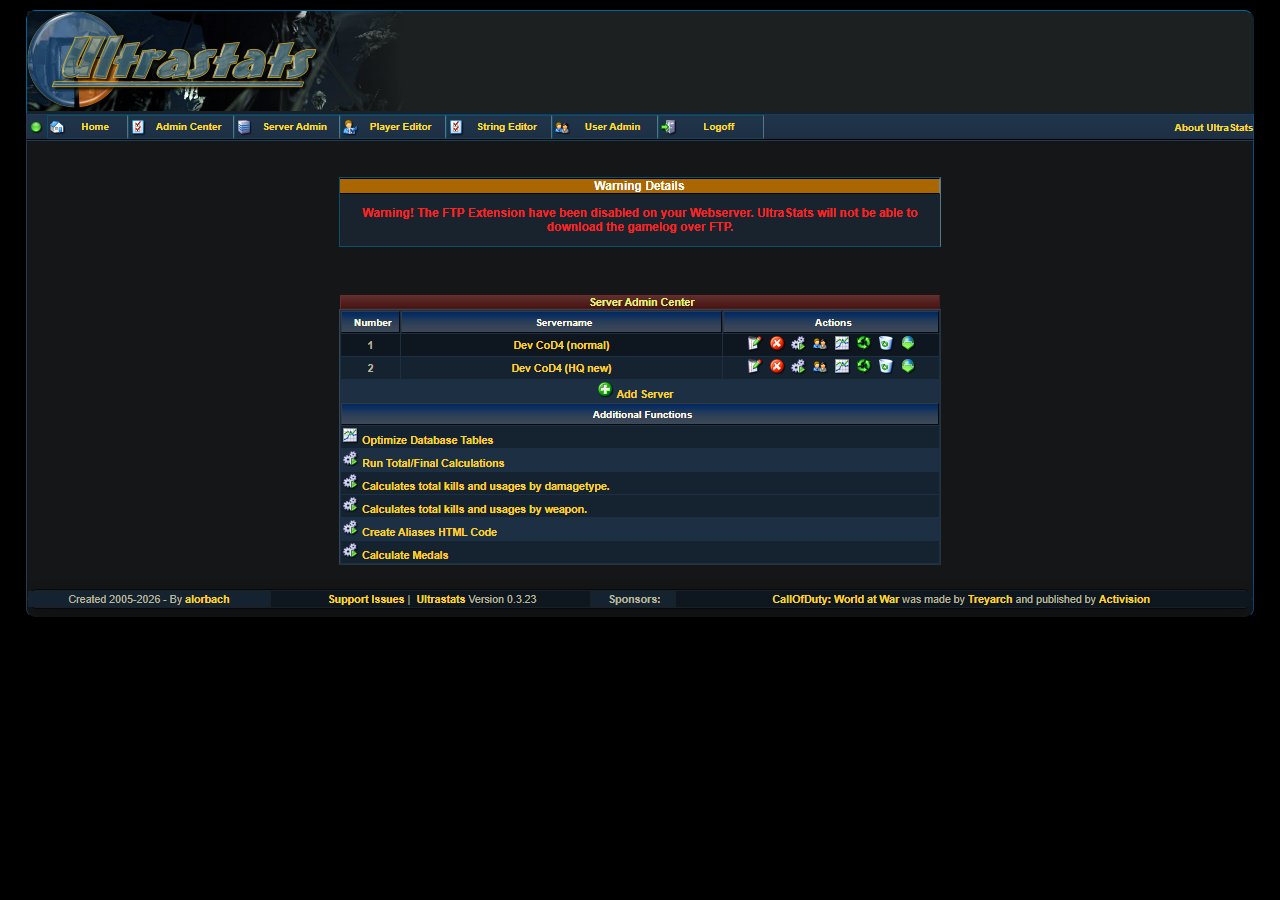
Demo servers
The Docker demo already registers two enabled sample servers:
| Server | Gamelog |
|---|---|
Dev CoD4 (normal) |
gamelogs/cod4_normal.log |
Dev CoD4 (HQ new) |
gamelogs/cod4_hq_new.log |
You can use those rows directly for parser tests. If you want to learn the server form first, follow Add or edit a server and fill the form without saving, or save only in a disposable local demo database.